About this template
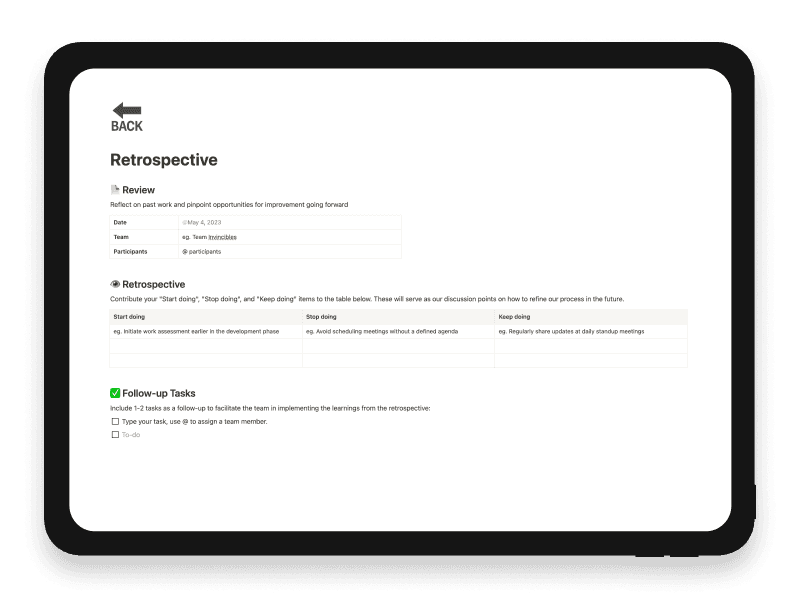
The Retrospective Notion template is designed to facilitate a structured review of team performance, aiming for continuous improvement.
Review Section: Sets the stage by listing the date, team name, and participants involved in the retrospective.
Retrospective Table: This is the core of the template, where team members contribute what they think should be started, stopped, or continued. For example, "Start doing" could include initiating work assessments earlier, while "Stop doing" might involve avoiding meetings without a clear agenda. "Keep doing" could be something like maintaining daily stand-up meetings.
Follow-up Tasks: Lists actionable tasks based on the retrospective's findings, ensuring that the team moves forward with the insights gained.
This template is a useful tool for teams to reflect on their work, identify areas for improvement, and create actionable plans for better performance.
Key features
- Review date, team and participants
- Start Doing discussion column
- Stop Doing discussion column
- Keep Doing discussion column
- Assignable follow-up tasks
What's included
- Review date, team and participant details
- Start-doing discussion column
- Stop-doing discussion column
- Keep-doing discussion column
- Follow-up tasks
Use cases
- Sprint retrospectives
- team feedback
- process improvement
Who it’s for
- Product teams
- Product owners
- Cross-functional delivery teams
Frequently asked questions
Answers to common questions about this template.
The page uses Start Doing, Stop Doing and Keep Doing columns.
The team selects one or two follow-up tasks and can assign each task to a team member.
No dedicated voting field is included; the supplied workflow moves from the discussion table to follow-up tasks.
No. The start, stop and keep structure can be used after a sprint, product release or other completed work, with follow-up tasks assigned from the discussion.
Ready to use Retrospective?
Get this Notion template for $6.
Related templates
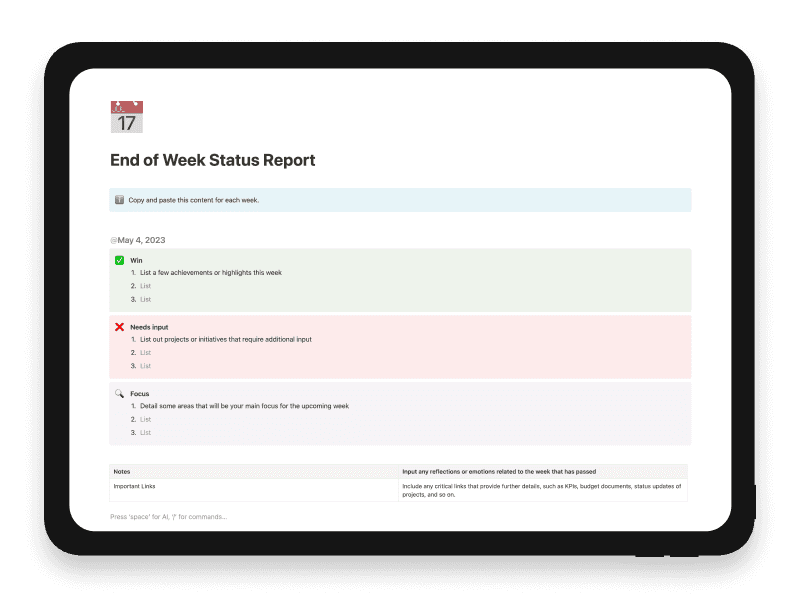
End of Week Status Report
Provides a concise, results-focused weekly overview, highlighting areas for attention and fostering effective team communication.
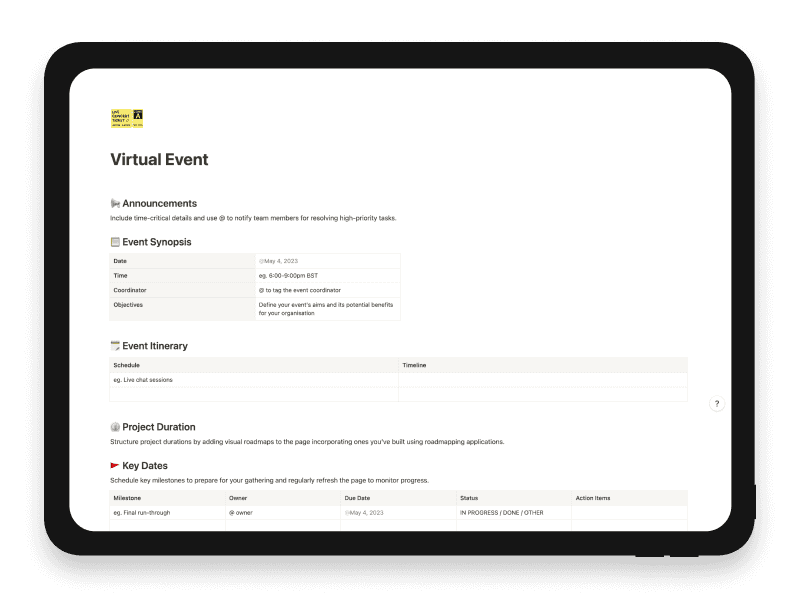
Virtual Event
A comprehensive guide for planning, organising, and running successful virtual events.
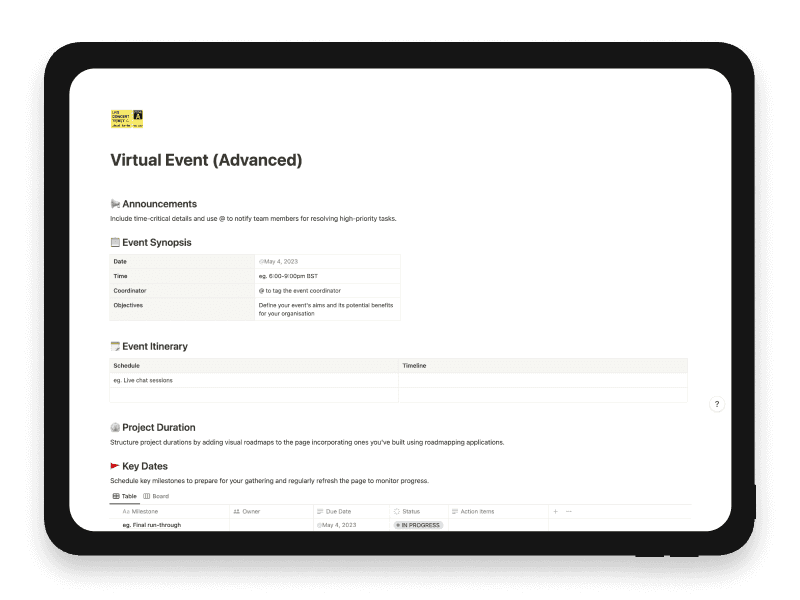
Virtual Event (Advanced)
Manage virtual-event dates, staged tasks and materials through database-backed tracking.
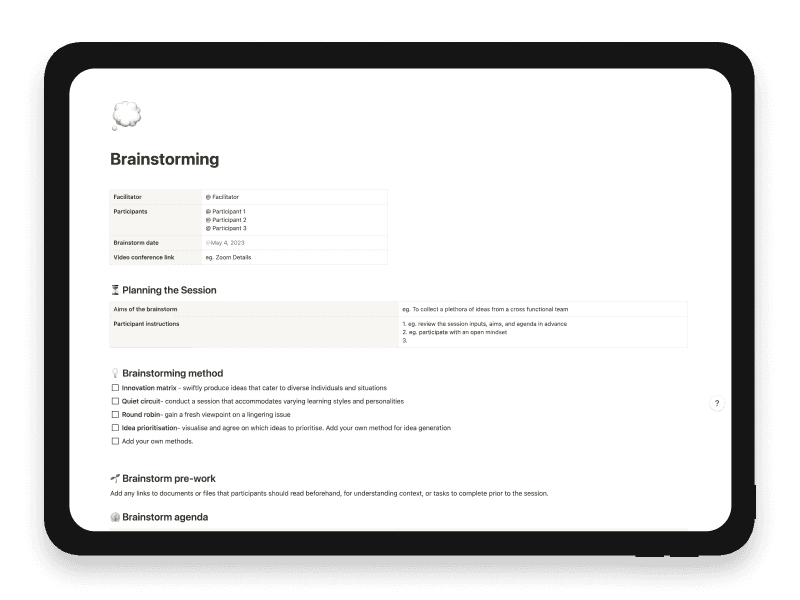
Brainstorming
Generate creative solutions and innovative ideas in a group setting.